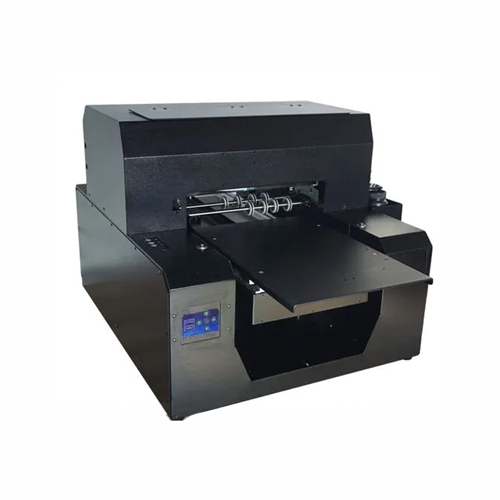
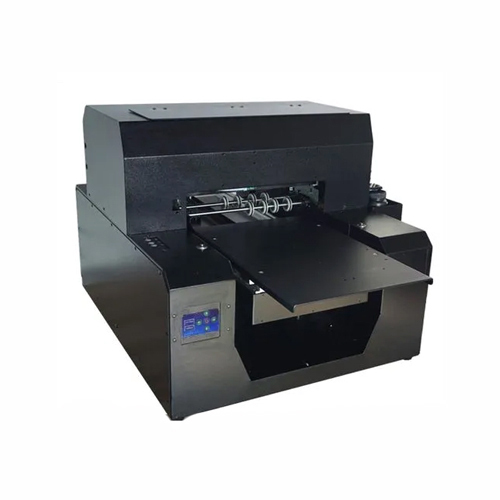
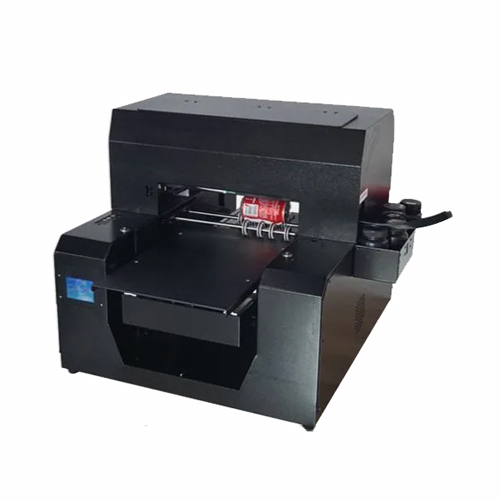
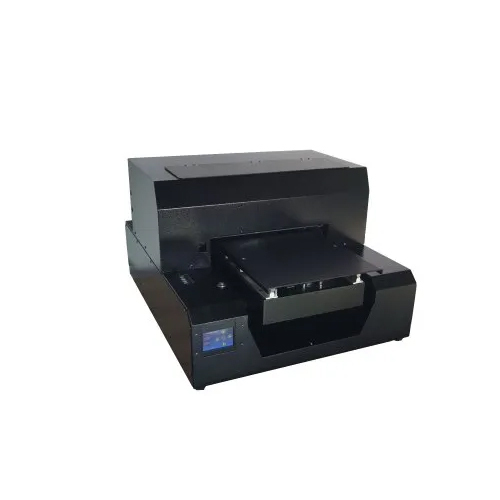
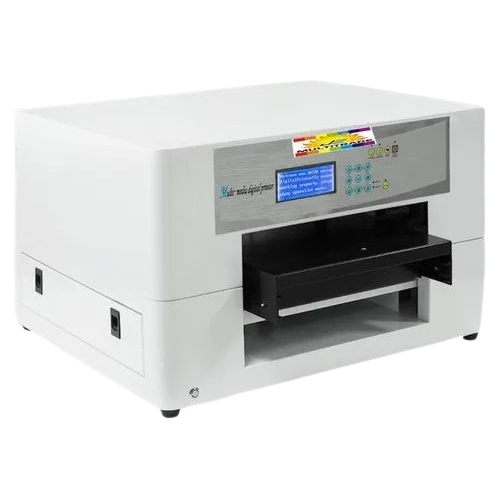
About Epson l 1800 PVC Mobile Cover Printer
- Smart function of printing white base and color images together.
- CMYK + White (adjustable settings).
- Enriched with epson l1800 Technology (180*8 nozzle-1.5 pl) along with faster print speed to increase efficiency.
- Changeable ink channels for more flexible work and longer life span of print ahead.
- Covered UV LED to protect eyes, with a life span of up to 50,000 hours.
- Automatic head cleaning functions prevents print head clogging.
- Flatbed Printer can print on Leather, Plastic, Wood, Glass, Metal, Ceramic Tiles, PVC, Acrylic etc.
Print Size: 32cm*45cm Print Head: Epson micro piezo (180*6) Head Quantity: 1 pcs Print Mode: CMYK+W: 360dpi*720dpi*1440dpi Maximum Thickness: 12cm Power Consumption: 450 W Printer Size: 150*130*70cm (L*W*H) Print Software: Acro rip 9.03 Net Weight: 60kgSuperb Print Resolution and ClarityEquipped with up to 5760 x 1440 dpi print resolution, the Epson L1800 delivers crisp and vibrant images on PVC mobile covers. Its six-color pigment ink setup ensures smooth gradients and long-lasting color, making it ideal for premium customized products.
Versatile Design and Large Format SupportSupporting sheet sizes up to A3+ and possessing an input tray capacity of 50 sheets, this printer efficiently handles both small and large batch orders. Its durable flatbed design and digital control system provide reliability and ease of use for commercial printing needs.
Seamless Compatibility and Ease of UseFeaturing a high-speed USB 2.0 interface, the L1800 integrates seamlessly with Windows and Mac OS platforms. Its straightforward setup and digital control system make operation accessible for both experienced users and newcomers alike.
FAQs of Epson l 1800 PVC Mobile Cover Printer:
Q: How do I set up the Epson L1800 PVC Mobile Cover Printer for PVC printing?
A: To set up the Epson L1800 for PVC printing, connect the printer to your computer via the supplied USB 2.0 cable. Install the required drivers and software (compatible with Windows XP/7/8/10 or Mac OS). Load PVC mobile cover printing plates on the flatbed using the provided jig, adjust your artwork, and initiate printing through your preferred graphic software.
Q: What file formats are supported by the Epson L1800 for printing designs?
A: This printer supports several file formats, including JPEG, PNG, TIFF, and BMP. This versatility allows you to use designs created from various graphic design tools without the need for complex conversions.
Q: When is the best environment to use the Epson L1800 printer?
A: The printer operates optimally in environments with temperatures between 10C and 35C and humidity ranging from 20% to 80%. Maintaining these conditions helps preserve print quality and prolongs the printers lifespan.
Q: Where can I use the Epson L1800 PVC Mobile Cover Printer?
A: The Epson L1800 is suitable for small businesses, service providers, manufacturers, or importers working with customized mobile cover production. Its compact footprint fits comfortably in print shops, studios, and office environments across India.
Q: What is the process for printing on PVC mobile covers with the L1800?
A: First, prepare your artwork and load it onto your design software. Use the flatbed to position the PVC covers accurately using a jig, then send your print job through the computer. The L1800 uses Micro Piezo printhead technology for precise, high-resolution printing with ICC profile color management.
Q: How does the Epson L1800 benefit a mobile cover printing business?
A: The L1800s combination of high-resolution output, A3+ size capability, and six-color pigment ink system ensures professional-grade results. Fast print speeds (approx. 15 ppm for color photos) and automatic digital controls streamline production, supporting high-volume customization with consistent quality.





 Send Inquiry

 Send Inquiry
 Send Inquiry
 Send SMS