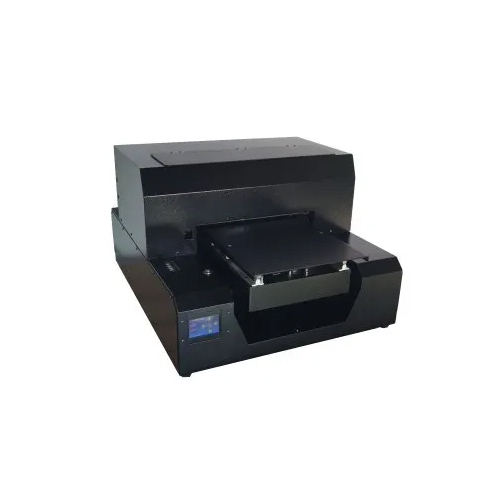
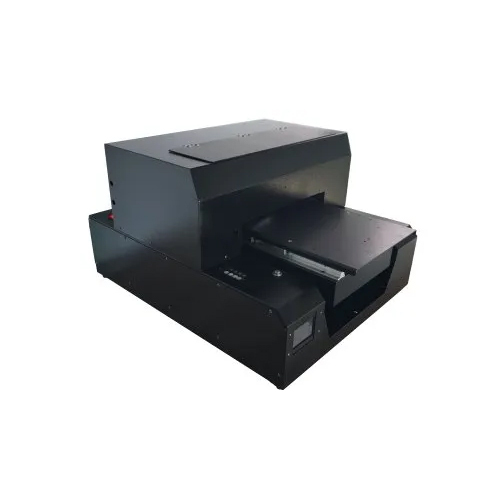
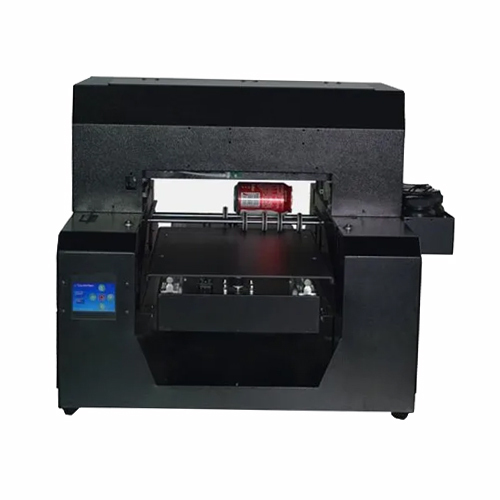
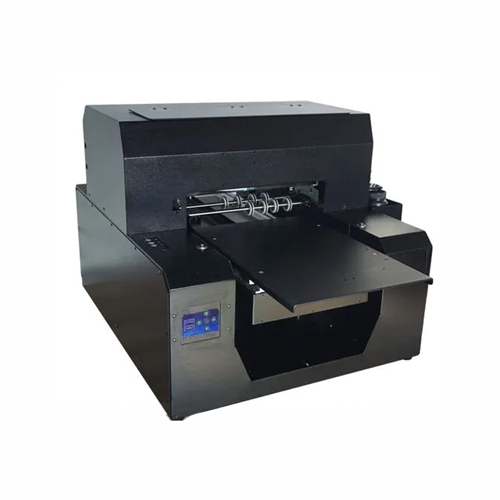
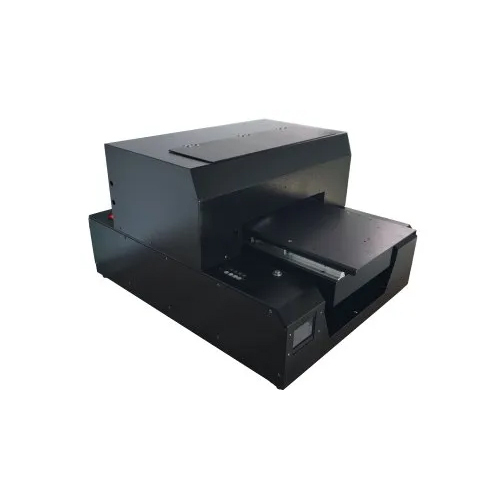
About A4 Uv Mobile Cover Printer
- Smart function of printing white base and color images together.
- CMYK + White (adjustable settings).
- Enriched with epson l1800 Technology (180*8 nozzle-1.5 pl) along with faster print speed to increase efficiency.
- Changeable ink channels for more flexible work and longer life span of print ahead.
- Covered UV LED to protect eyes, with a life span of up to 50,000 hours.
- Automatic head cleaning functions prevents print head clogging.
- Flatbed Printer can print on Leather, Plastic, Wood, Glass, Metal, Ceramic Tiles, PVC, Acrylic etc.
Print Size: 32cm*45cm Print Head: Epson micro piezo (180*6) Head Quantity: 1 pcs Print Mode: CMYK+W: 360dpi*720dpi*1440dpi Maximum Thickness: 12cm Power Consumption: 450 W Printer Size: 150*130*70cm (L*W*H) Print Software: Acro rip 9.03 Net Weight: 60kghAdvanced UV Printing TechnologyUtilizing industrial-grade UV curing ink and a bidirectional flatbed printing system, the A4 UV Mobile Cover Printer achieves brilliant, fade-resistant results on a wide array of cover materials. Its integrated digital control panel and automatic maintenance features provide consistent performance, maximizing print quality and operational efficiency.
User-Friendly Operation and SafetyWith its intuitive touch screen and keypad controls, users can manage settings and print jobs with ease. The printer is equipped with overheat protection, an emergency stop button, and self-cleaning capabilities, promoting safe, uninterrupted operation even during intensive use. Robust construction and smart engineering ensure both reliability and longevity in commercial environments.
FAQ's of A4 Uv Mobile Cover Printer:
Q: How do I operate the A4 UV Mobile Cover Printer?
A: You can operate the printer using its intuitive touch screen and keypad interface. Simply connect to your computer via USB 2.0, install the recommended software compatible with Windows 7/8/10, and follow the user manual to set up your print job and load the cover fixture.
Q: What materials are supported by this UV mobile cover printer?
A: The printer works with several mobile cover materials, including plastic, silicone, leather, TPU, and polycarbonate. Ensure covers are properly fixed using the included fixtures for optimal printing results.
Q: Where should I set up the printer for optimal performance?
A: Install the printer indoors in a dust-free area to maintain print quality and extend device longevity. The dual fan air cooling system helps regulate temperature, while the sturdy metal body minimizes vibration and external disturbances.
Q: What is the printing process for a mobile cover?
A: Place a single cover onto the fixture, select your design using compatible software, and start the printing process. The device prints bidirectionally with UV curing ink, completing one cover in approximately 4-6 minutes with vivid, resilient colors.
Q: When does the self-cleaning system activate?
A: The self-cleaning system activates automatically during routine operation, reducing manual maintenance and helping prevent ink clogs or printhead issues, thereby ensuring consistent, high-quality output.
Q: What benefits does the white ink circulation system provide?
A: The automated white ink circulation prevents sedimentation and blockages in the ink lines, ensuring uniform application of white layers and enhancing graphic brightness and clarity across different cover surfaces.





 Send Inquiry

 Send Inquiry
 Send Inquiry
 Send SMS
 Call Me Free