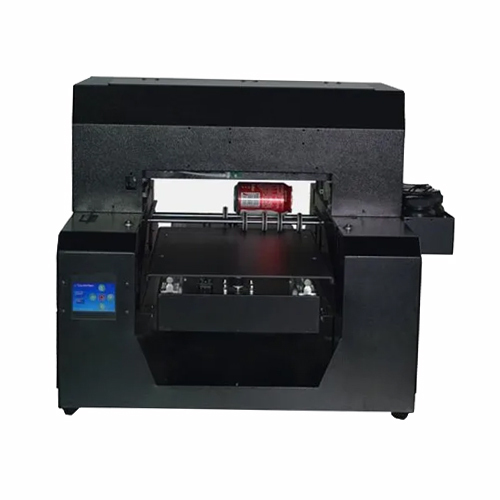
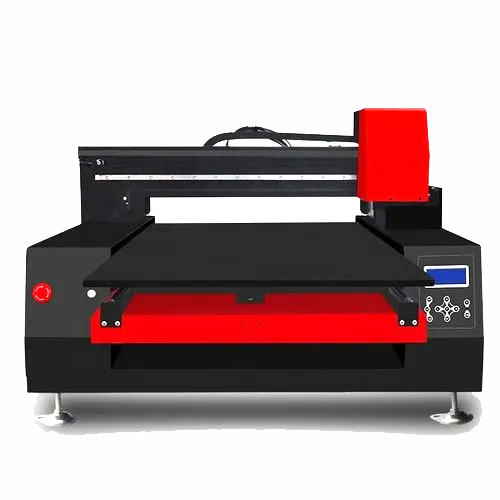
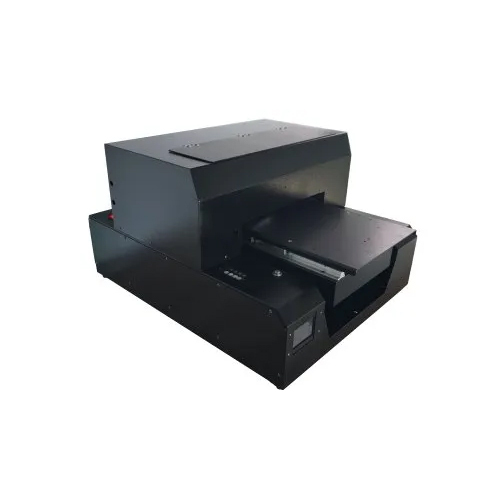
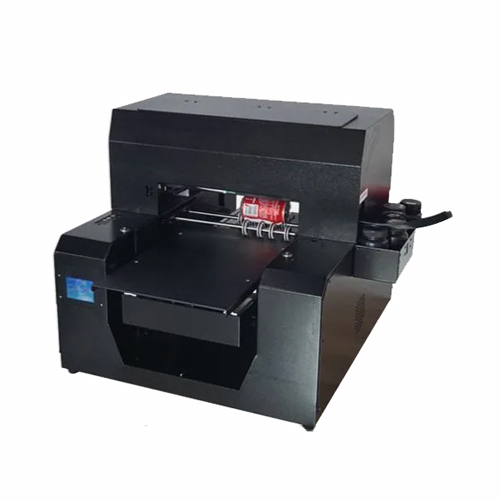
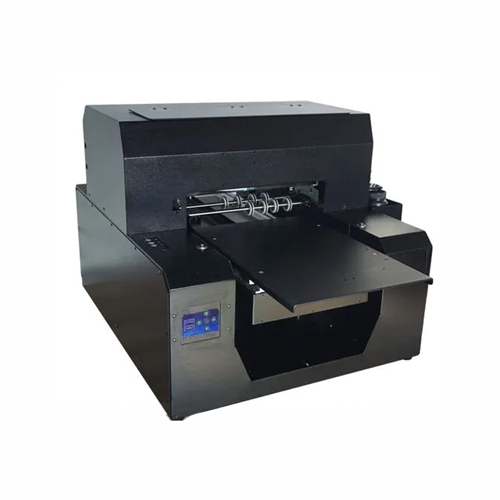
About A3 Uv Canvas Mobile Cover Printer
- Smart function of printing white base and color images together.
- CMYK + White (adjustable settings).
- Enriched with epson l1800 Technology (180*8 nozzle-1.5 pl) along with faster print speed to increase efficiency.
- Changeable ink channels for more flexible work and longer life span of print ahead.
- Covered UV LED to protect eyes, with a life span of up to 50,000 hours.
- Automatic head cleaning functions prevents print head clogging.
- Flatbed Printer can print on Leather, Plastic, Wood, Glass, Metal, Ceramic Tiles, PVC, Acrylic etc.
Print Size: 32cm*45cm Print Head: Epson micro piezo (180*6) Head Quantity: 1 pcs Print Mode: CMYK+W: 360dpi*720dpi*1440dpi Maximum Thickness: 12cm Power Consumption: 450 W Printer Size: 150*130*70cm (L*W*H) Print Software: Acro rip 9.03 Net Weight: 60kgVersatile Flatbed Printing TechnologyThe A3 UV Canvas Mobile Cover Printer is designed to handle diverse substrates, such as mobile covers, canvas, wood, plastic, metal, and glass. Equipped with a robust Epson Piezo Electric print head and support for UV curable inks, it offers flexibility, making it suitable for a wide range of customization and commercial printing needs.
High Resolution and Efficient PerformanceExperience vivid, high-definition prints with a resolution of 1440 x 2880 dpi. Thanks to its precise print direction control-uni-directional or bi-directional-you can achieve sharp, professional images on every item. The printer can produce up to 100 customized mobile covers per hour, improving productivity for businesses.
User-Friendly Operation and ConnectivityFeaturing a modern touch screen panel, the A3 UV Canvas Mobile Cover Printer is easy to navigate and operate. It connects seamlessly via USB 2.0 or Ethernet ports and works with Windows 7, 8, or 10. Advanced digital microcontroller systems and on-board color management ensure accurate and repeatable color output every time.
FAQ's of A3 Uv Canvas Mobile Cover Printer:
Q: How do I connect the A3 UV Canvas Mobile Cover Printer to my computer?
A: The printer offers both USB 2.0 and Ethernet connectivity for flexible setup. Simply install the compatible software on a Windows 7, 8, or 10 system and use the touch screen panel for operation.
Q: What types of materials can this printer handle for printing?
A: This printer supports a diverse range of flat substrates, including mobile covers, canvas, wood, plastic, metal, and glass. The flatbed design allows media up to 8 cm thick, making it ideal for uniquely sized items.
Q: When is maintenance required for optimal operation?
A: Regular maintenance-such as checking ink levels, cleaning the print head, and inspecting the air cooling system-should be performed according to usage, usually every few days in heavy production environments.
Q: Where is the best location to use this printer?
A: The A3 UV Canvas Mobile Cover Printer is intended for indoor environments with a working temperature between 15C and 35C. Ensure the area is well-ventilated and the noise level remains below 60 dB for operator comfort.
Q: What is the printing process for customized mobile covers?
A: First, prepare your design on a Windows computer and ensure color profiles are enabled. Place the cover onto the flatbed, select the print settings via the touch screen, and initiate printing. The UV curable ink sets quickly, producing a durable, vibrant design in about 3-6 minutes.
Q: How does the built-in color management benefit my prints?
A: Color management uses ICM and ICC profiles to ensure precise, repeatable colors, resulting in professional-quality outputs that stay consistent across different materials and jobs.
Q: What advantages does the automatic, computerized system offer?
A: Automatic operation and digital microcontroller control enable efficient, consistent printing with minimal manual intervention, allowing businesses to scale up production without sacrificing quality.





 Send Inquiry

 Send Inquiry
 Send Inquiry
 Send SMS
 Call Me Free